

One login for every model.
Make an image, then a voiceover, then a soundtrack, all in one place.
Pick a model, type a prompt, and see the price upfront. Pay only for what you create.
Pick a model. Type a prompt. Get a result.
Precise edits, fine control, and sharp text in images.
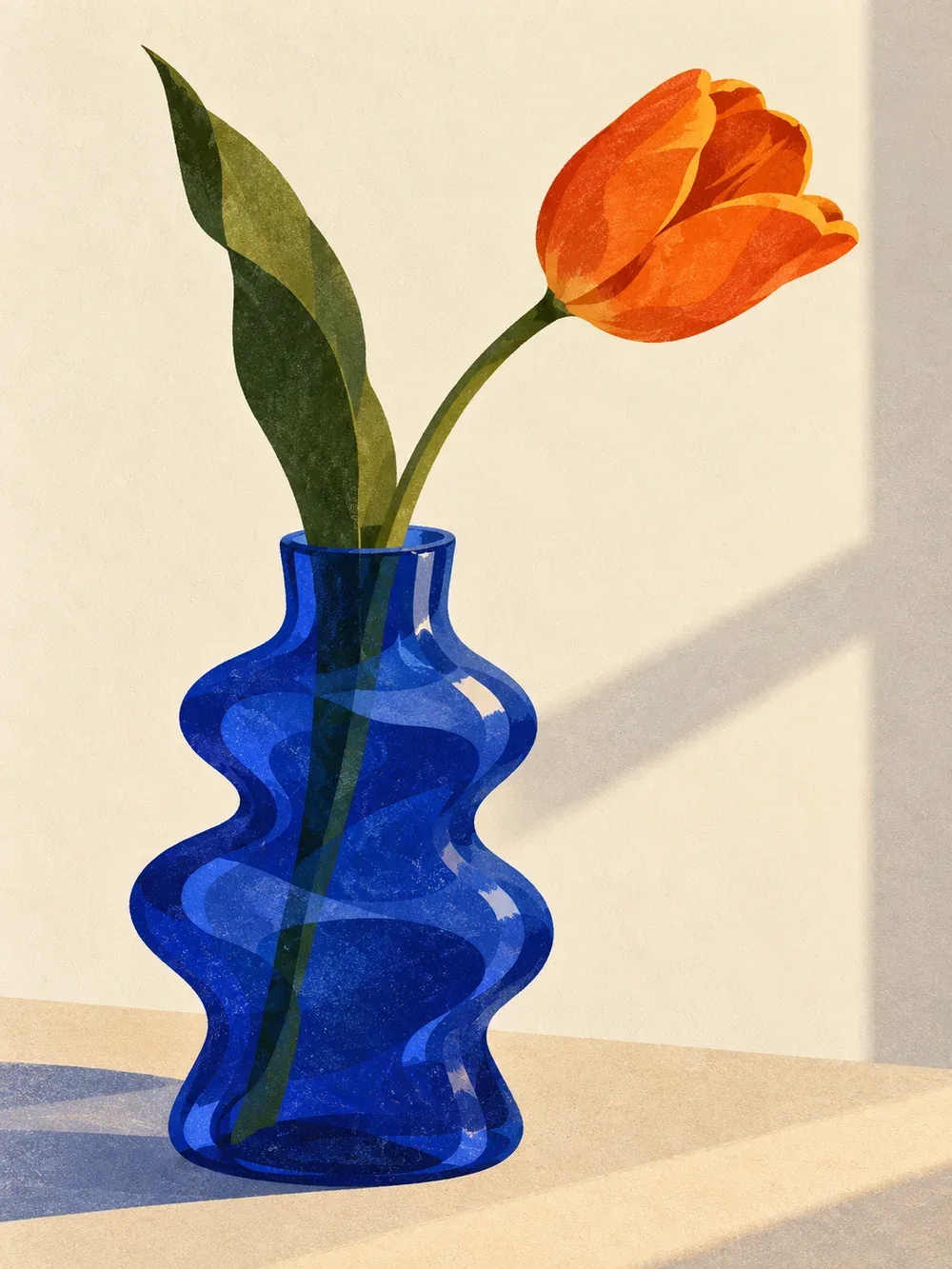
Illustrate a sculptural cobalt blue glass vase holding a single orange tulip. Contemporary editorial gouache illustration with cut-paper shapes, subtle risograph grain, warm ivory, cobalt blue, moss green and burnt orange, tactile matte surfaces, soft afternoon light, generous negative space, elegant playful composition. Portrait 3:4 composition. No text, lettering, logo or watermark.Made with GPT Image. Try the same prompt on any model.
A few of the image models you can use. Compare image models with one prompt.
See all modelsGenerate and edit images from a creative brief.
Fast, good-quality images with readable text, plus edits.
Open image studioPrecise edits, fine control, and sharp text in images.
Open image studioFast images with sharp text, edits from multiple references, and output up to 4K.
Open image studioSame as Qwen Image 3, built for dense text and busy layouts.
Open image studioEdit images with plain-language instructions, or generate from text.
Open image studioMake images from a prompt, or edit with up to 10 reference images.
Open image studioMake and edit images with accurate text and complex layouts.
Open image studioMakes images in separate layers (foreground, background, shadow) so they're easy to edit.
Open image studioChange the camera angle of an existing image.
Open image studioSub-second image generation with strong prompt following and readable text.
Open image studioMake fast, precise edits with one or more reference images.
Open image studioExpressive illustrations, anime, and painterly images with style references.
Open image studioFast, lower-cost Krea 2 images for rapid creative exploration.
Open image studioPhotorealistic Krea 2 images with rich texture and style control.
Open image studioComplex layouts, blending several images, and text-heavy designs.
Open image studioCheap, fast drafts and quick edits.
Open image studioTop-quality photoreal images, like product shots and fashion.
Open image studioPolished photoreal images at a fair price.
Open image studioCinematic scenes with rich detail and strong composition.
Open image studioSharp text, photoreal images, and edits from multiple references.
Open image studioThe fastest option. Good for rough ideas and moodboards.
Open image studioCreate motion, animate references, and explore moving images.
Create up to 30 seconds of video with synchronized sound and larger image, video, and audio reference sets.
Open video studioMake short videos from text, images, or an existing video.
Open video studioHigh-quality video with sound, reference images, and last-frame control.
Open video studioCreate video from text, frames, reference images, and reference videos.
Open video studioOpenAI's best video model, with matching sound.
Open video studioMake avatar videos of people, animals, or cartoon characters.
Open video studioMake video from text, up to 1080p and 30 seconds.
Open video studioGenerate high-quality video with speed, cost, and quality modes and frame control.
Open video studioCreate cinematic video with synchronized sound, image input, and multi-shot sequences.
Open video studioCopy movement from one video onto a character in an image.
Open video studioMake video from text or images, or edit video. Includes sound.
Open video studioTurn an image into a video, with sound. Needs a source image.
Open video studioMake video from one to seven reference images.
Open video studioContinue an existing video with a prompt.
Open video studioTurn scripts into expressive speech and narration.
Expressive speech and two-voice dialogue. Direct each line with styles, sounds and pauses.
Open voice studioFast, high-quality speech in 32 languages.
Open voice studioFast speech with 30 voices. Steer the delivery with prompts and tags.
Open voice studioExpressive speech with five voices. Download as MP3, WAV, and other formats.
Open voice studioCompose songs, instrumentals, and short soundtracks.
Full songs up to 3 minutes, from text or images.
Open music studioMake a song from a prompt or a detailed plan.
Open music studio30-second clips, from text or images.
Open music studioWrite, reason, research, and develop ideas.
Anthropic's current Opus for long-running agentic coding and demanding knowledge work.
Open text studioAnthropic's newest model for demanding work and coding.
Open text studioFast, strong model for coding and agent tasks.
Open text studioGoogle's strongest reasoning model. Works with text and images, with adjustable thinking depth.
Open text studioReasoning, coding, and image understanding in one model.
Open text studioOpenAI's top model for hard reasoning and coding.
Open text studioFast model for code, agents, and long documents.
Open text studioBalanced all-rounder for everyday work.
Open text studioThe low-cost GPT-5.6. Built for high volume and quick replies.
Open text studioVery fast. Follows instructions well.
Open text studio Alibaba6 models
 Anthropic4 models
 Black Forest Labs5 models
 ByteDance3 models
 ElevenLabs2 models
 Google10 models
 OpenAI6 models
 PixVerse1 model
 PrunaAI3 models
Pick an amount and your models. See how far your credit goes.
Choose from $10 to $500.
Pick a few models to split your credit. Each card shows one simple unit, so you can compare at a glance.
Choose a ready-made mix, or pick models below to make your own.
Your selected models will appear here
Comparison estimates include our current pricing and margin. Image presets use square PNG at about 1K where supported; other models use their closest supported defaults. Video and music rates are equivalents of whole clips or tracks, which are billed as a whole. Voice uses 1,000 characters because speaking speed varies. Text estimates include 1,000 input + 1,000 output characters; language, context, and reasoning change token usage. Resolution, quality, audio, references, and length can change the price. Your studio estimate updates before you generate.
Not crowded.
Draft, summarize, test models, and research with AI.
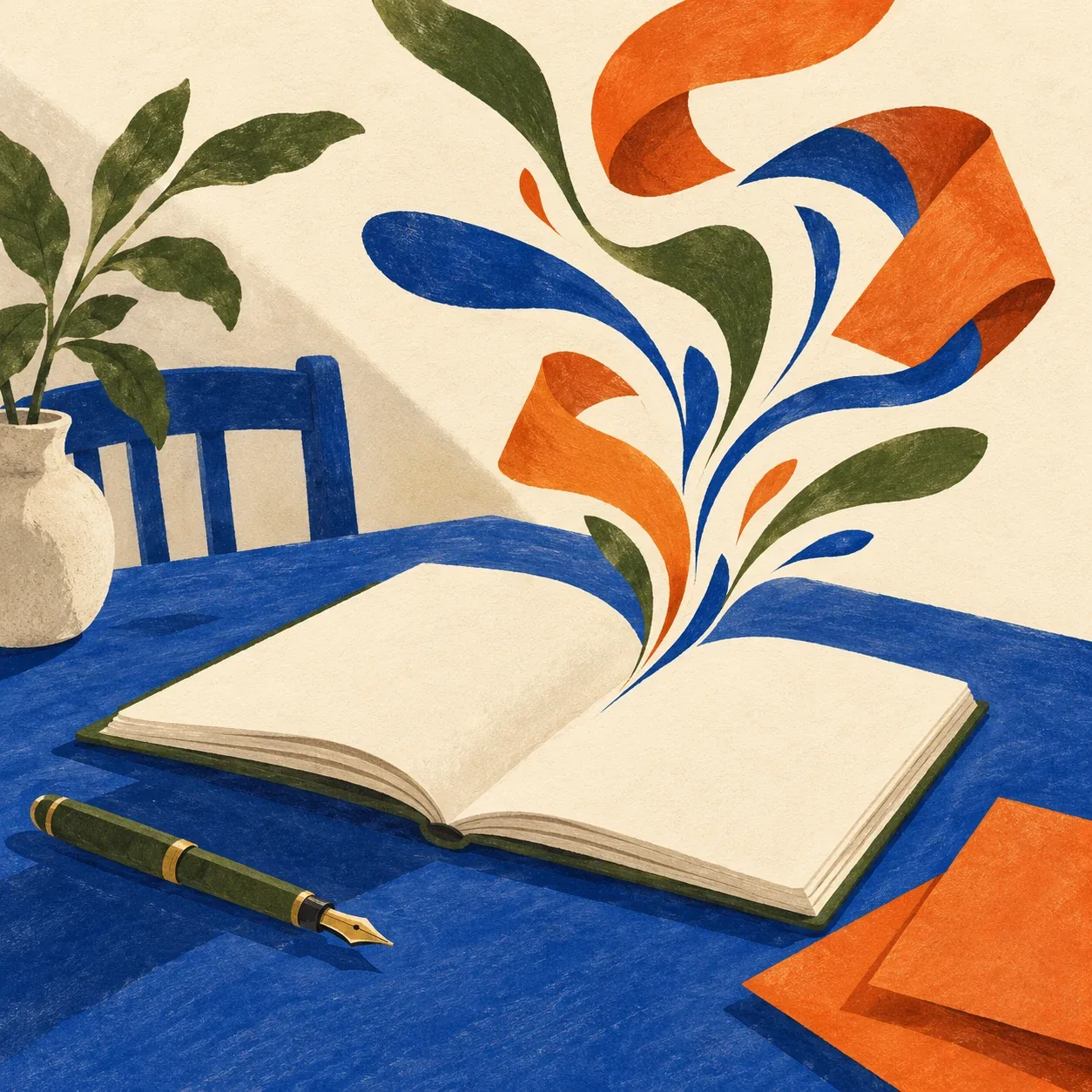
Open text studioAn open cream notebook on a cobalt blue writing desk, a moss green fountain pen and folded burnt orange paper sheets. Abstract flowing ink strokes rise from the notebook and become elegant paper ribbons, suggesting writing and thought. Pages have no readable letters or symbols. Contemporary editorial gouache illustration with cut-paper shapes and subtle risograph grain on warm ivory paper. Restricted palette of cobalt blue, moss green, burnt orange and cream. Tactile matte surfaces, deliberately simplified flat shapes, hand-painted edges, soft afternoon light, elegant playful composition with generous negative space. Clearly an illustration throughout, including every object: no photorealism, no 3D rendering, no glossy photographic reflections. Square composition, main subject centered with comfortable margins. No text, lettering, logo, watermark, borders or captions.
IMAGE MODELOpenAI imagegen
Make an image, then a voiceover, then a soundtrack, all in one place.
Pick a model and settings, and we show the cost. Add credit when you need it.
Everything you make is saved in your gallery. Download it anytime. Nothing is public unless you share it.
Explore how a few creative tools can bring an idea to life.
Create images, video, voice, music and text in one place. See the price before you create and pay only for what you use.
Create the pieces for an episode, all in Supermodels.
Describe your idea and turn it into an image.
Create an imageTurn your words into a voice for your episode.
Create a voiceDescribe the mood and create a track.
Create musicChoose your tools, check the price, and create at your own pace.
A podcast episode launch kit: Cover art, a short spoken intro, and an original music bed.
Draft ideas in your browser without an account. Nothing is generated until you sign in.
Use your existing Google account for a quick signup. Top ups start from $10.
Pick a model and settings. Review the cost. Hit generate when ready.
Your work is automatically saved in your gallery unless you choose to publish.
No. Supermodels uses pay-per-use wallet credit. Add credit when you need it and review the estimated price before each generation.
No subscription. Add credit (from $10) and pay per generation. You see the estimated price before each run. Prices vary by model and settings.
Credit reserved for a failed generation goes back to your balance.
An app with a hand-picked set of top AI models from OpenAI, Google, Anthropic, xAI, ByteDance, ElevenLabs, and more. Make text, images, voice, music, and video in one place.
Anyone who wants to test different models side by side and see the best fit for a project you're working on. Designers, studios, architects, marketers, developers, creators, tinkerers and founders.
Text, images, voice, music, and video. You also get batch image creation and image description. Sign in to use them.
Yes. Draft image, batch, and voiceover ideas in your browser without an account. Sign in with Google when you're ready to generate. Your drafts and reference files stay on your device until then.
Some image models can. Check each model's details in the catalog, since features differ by model.
Only you, by default. Everything is private in your gallery. You can download it, use generated assets in your or client work, or turn on a public profile and share the pieces you pick.
Add credit once and you get 1 GB of storage. Check Settings to see how much you've used.
Often yes, but rules can differ by model. Read our Terms of Use before using work commercially.
Not yet. Shared budgets and team workflows are coming, with no set date yet. Sign in, open your profile, and tick the interest box to hear first.
From brief to first draft before your coffee gets cold. Pay only for what you use. No subscription.
Try it now